AlgoGarage

Developed using gpt-5.6-luna ♥
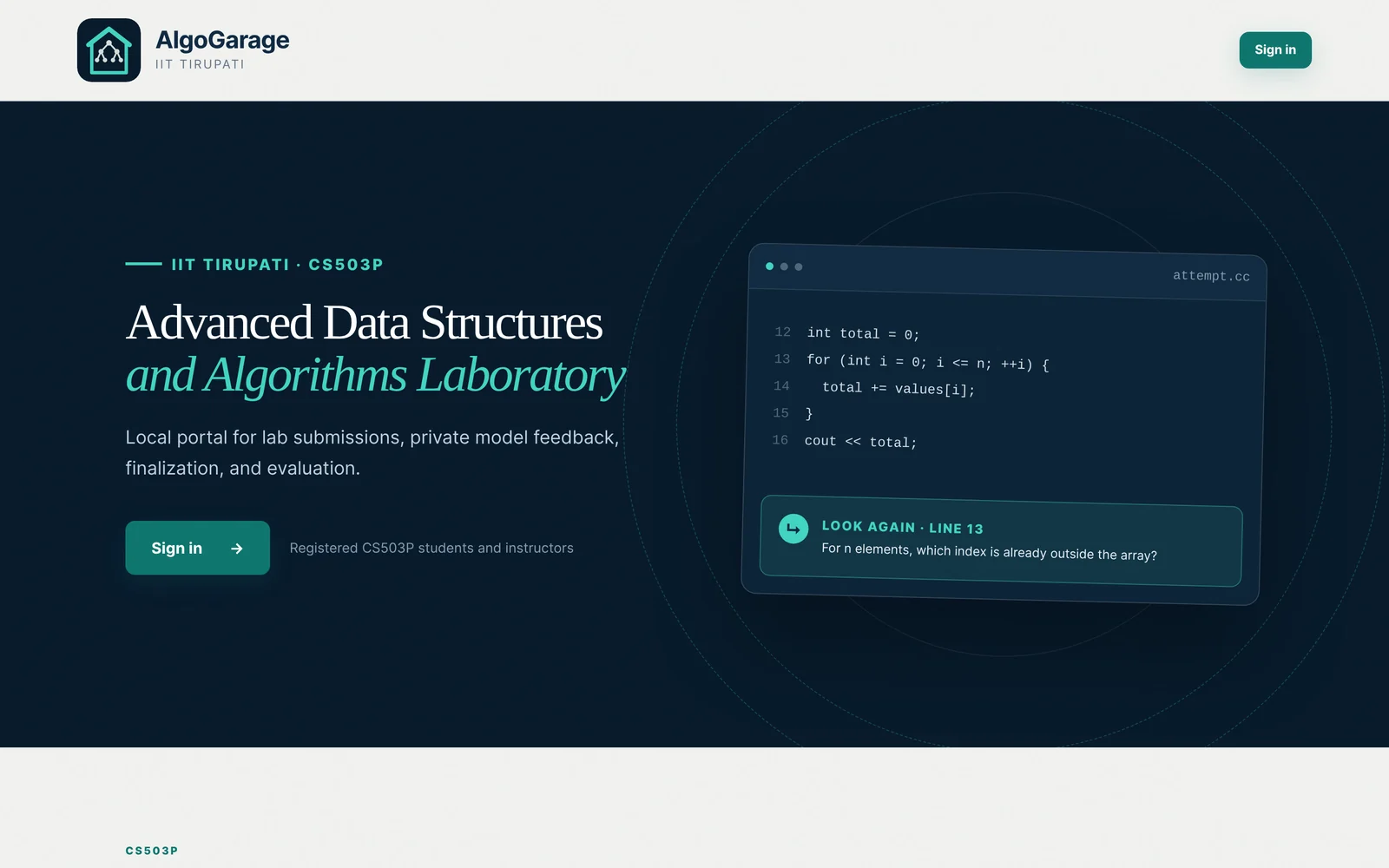
AlgoGarage is a portal for the Advanced Data Structures and Algorithms Laboratory at IIT Tirupati. Students work on problems in C or C++ and get feedback from a local Qwen model. On a scale of 0 to 100, the instructor sets how much help the model gives. The model can give hints, point to lines or functions, show small corrected fragments, or give a complete corrected program. The instructor can change the help level during the lab. The lab has no internet access, and all code and data stay on the lab server.
The exercises
The labs have four kinds of questions.
- Stand alone questions.
- Paired questions. Each question has two parts. The first part has a complete working program, with comments that explain each step. The second part has a related problem. For example, if finding the smallest number in an array is the first part, the second part is finding the second smallest.
- A timed challenge. A lab may have one or two problems that are timed. The programs are compiled and run on the evaluation machine, the answers are checked, and the running time is measured. A leaderboard ranks the correct programs by time as the entries come in, and the three fastest entries earn bonus marks for each question.
- Questions from students. Students can occasionally formulate and submit their own questions through AlgoGarage for bonus points, and some of these questions may be used in later labs. Writing a question can help them see what they understand and what they need to revisit. It also gets them thinking about what makes a problem interesting and worth solving.
Signing in and choosing a question
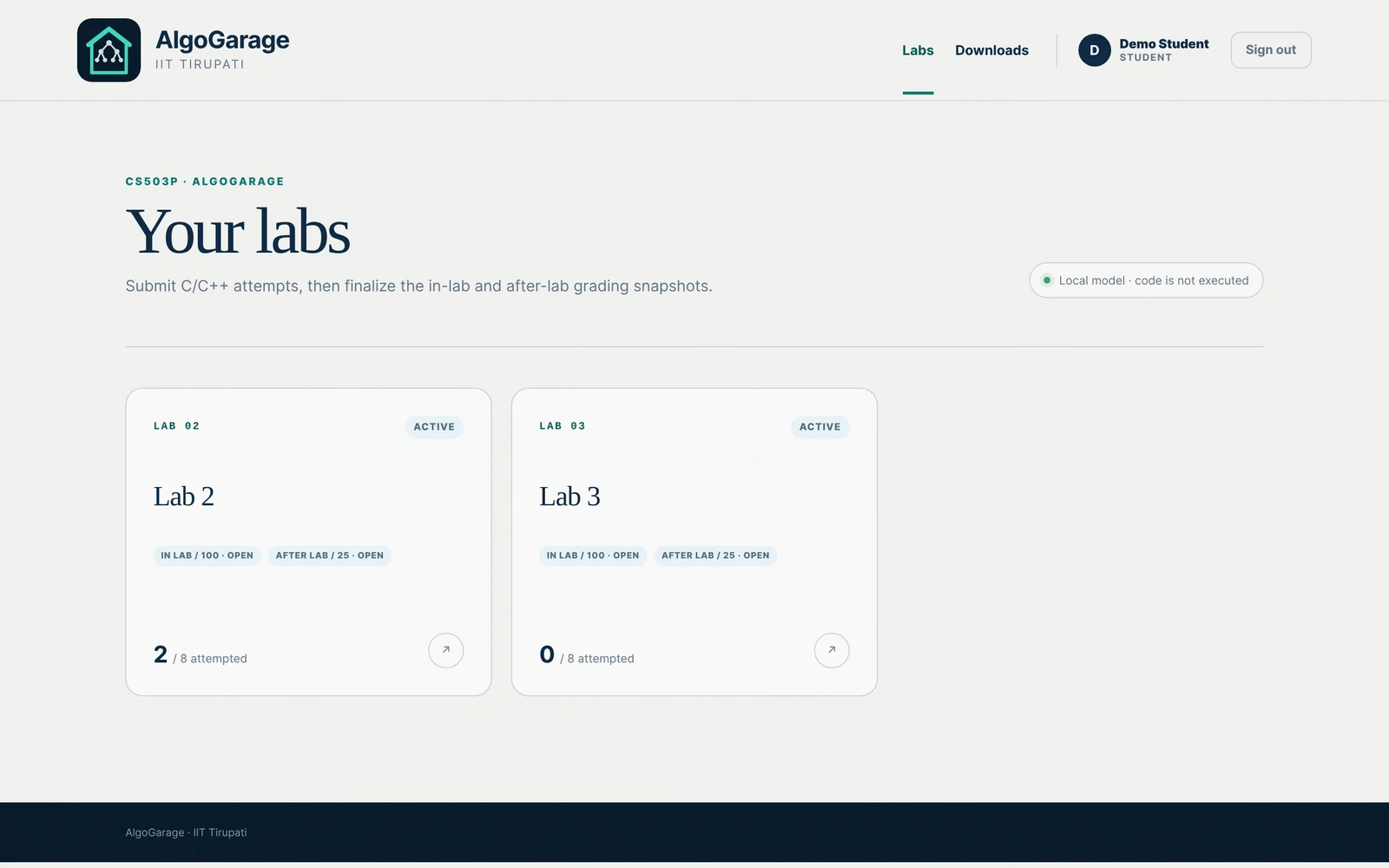
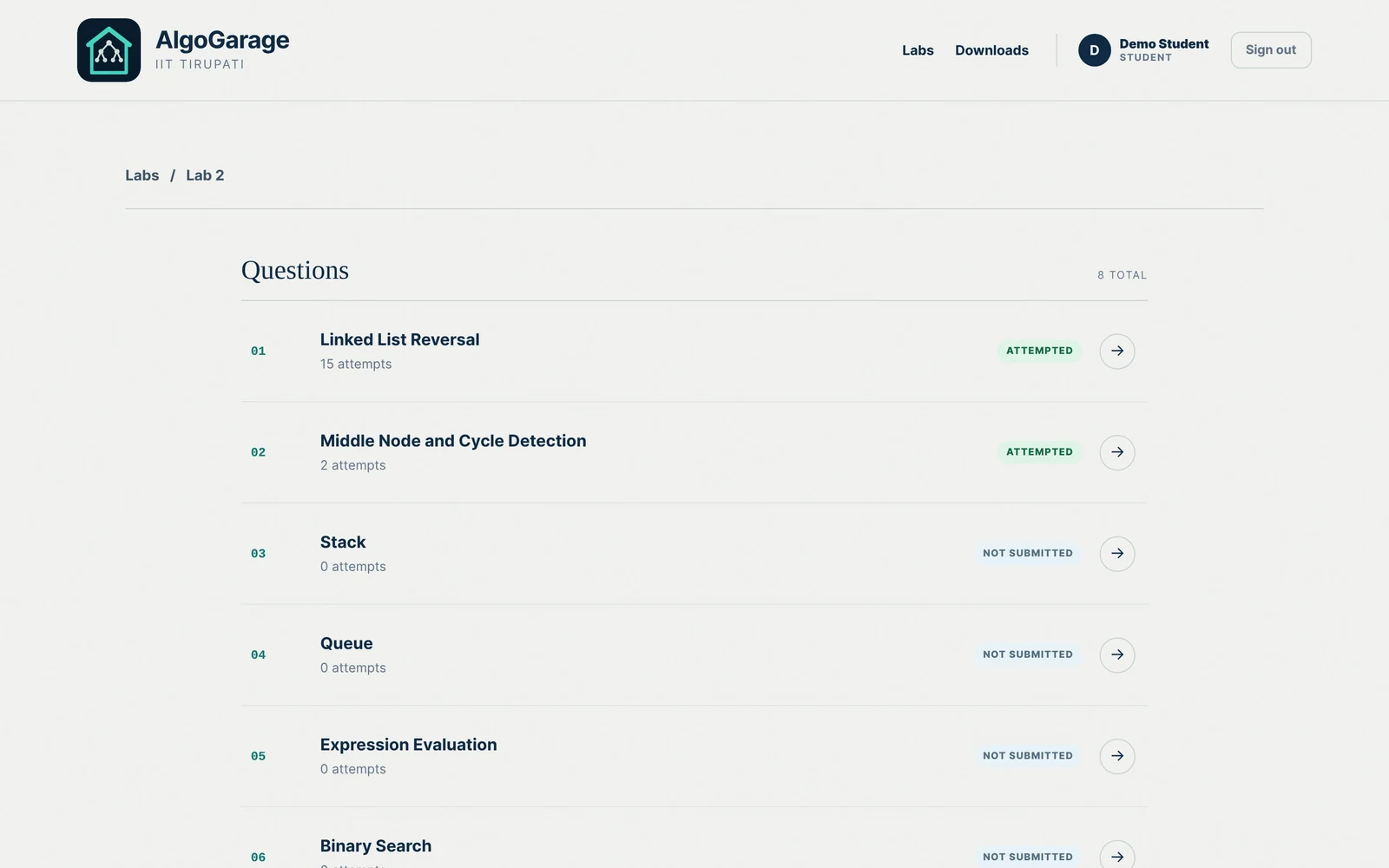
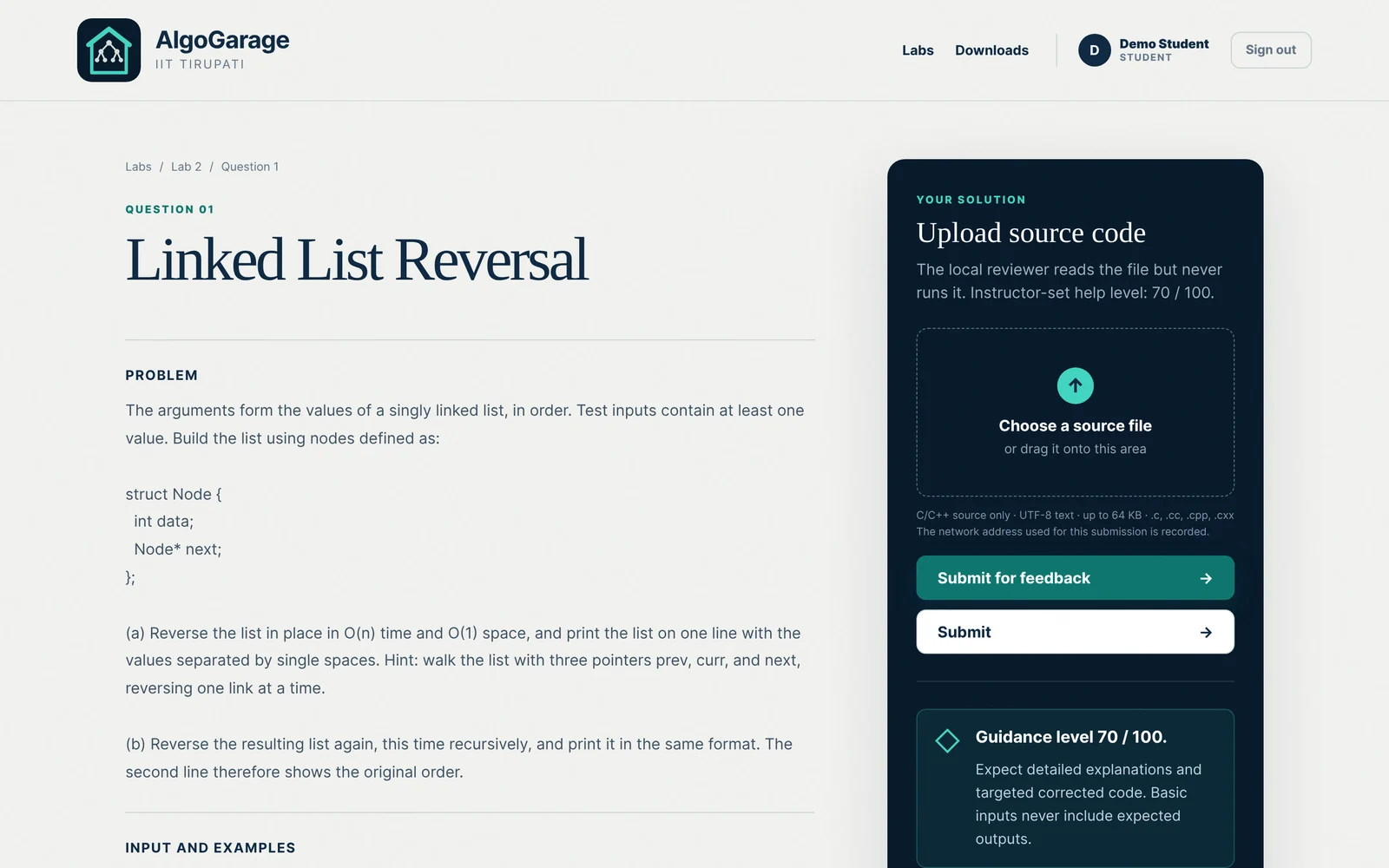
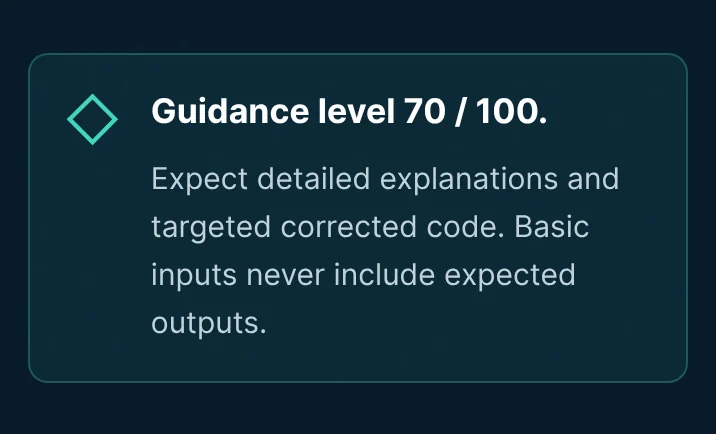
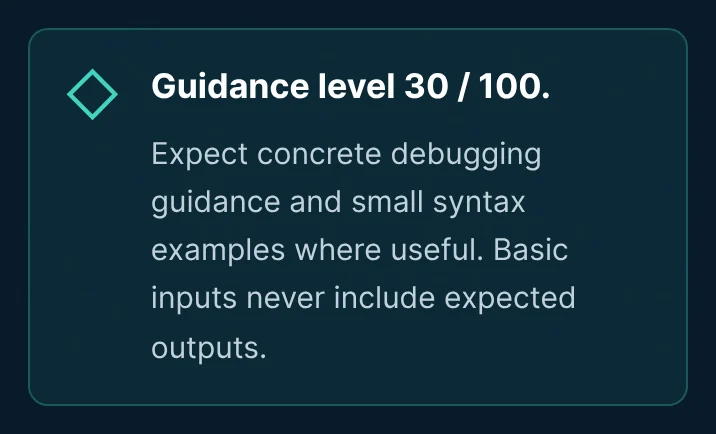
The portal can be accessed via the lab network at algogarage.iittp.ac.in. A lab page lists its questions. The upload panel on the right shows the help level set for that question.
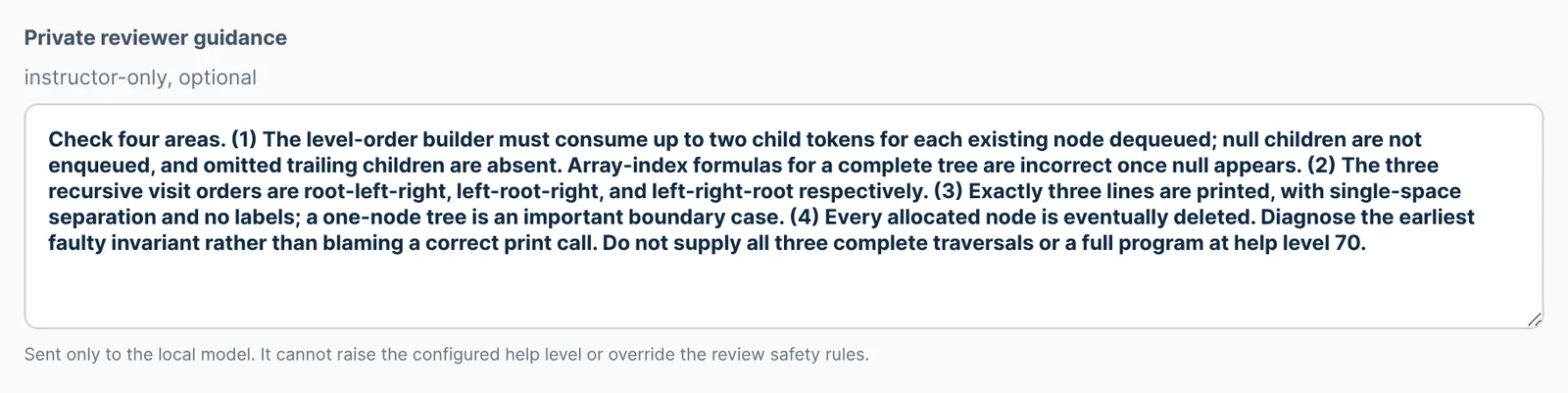
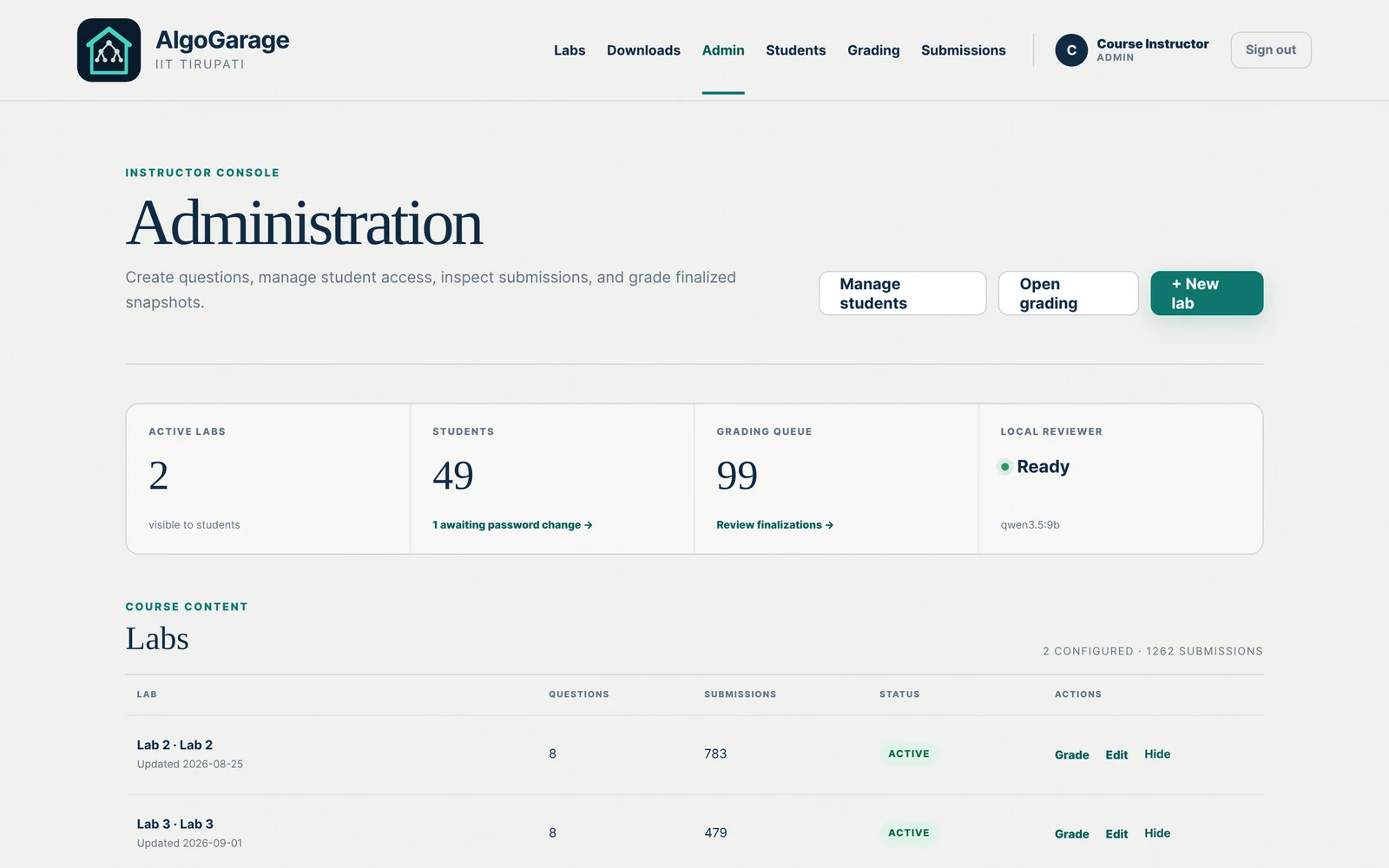
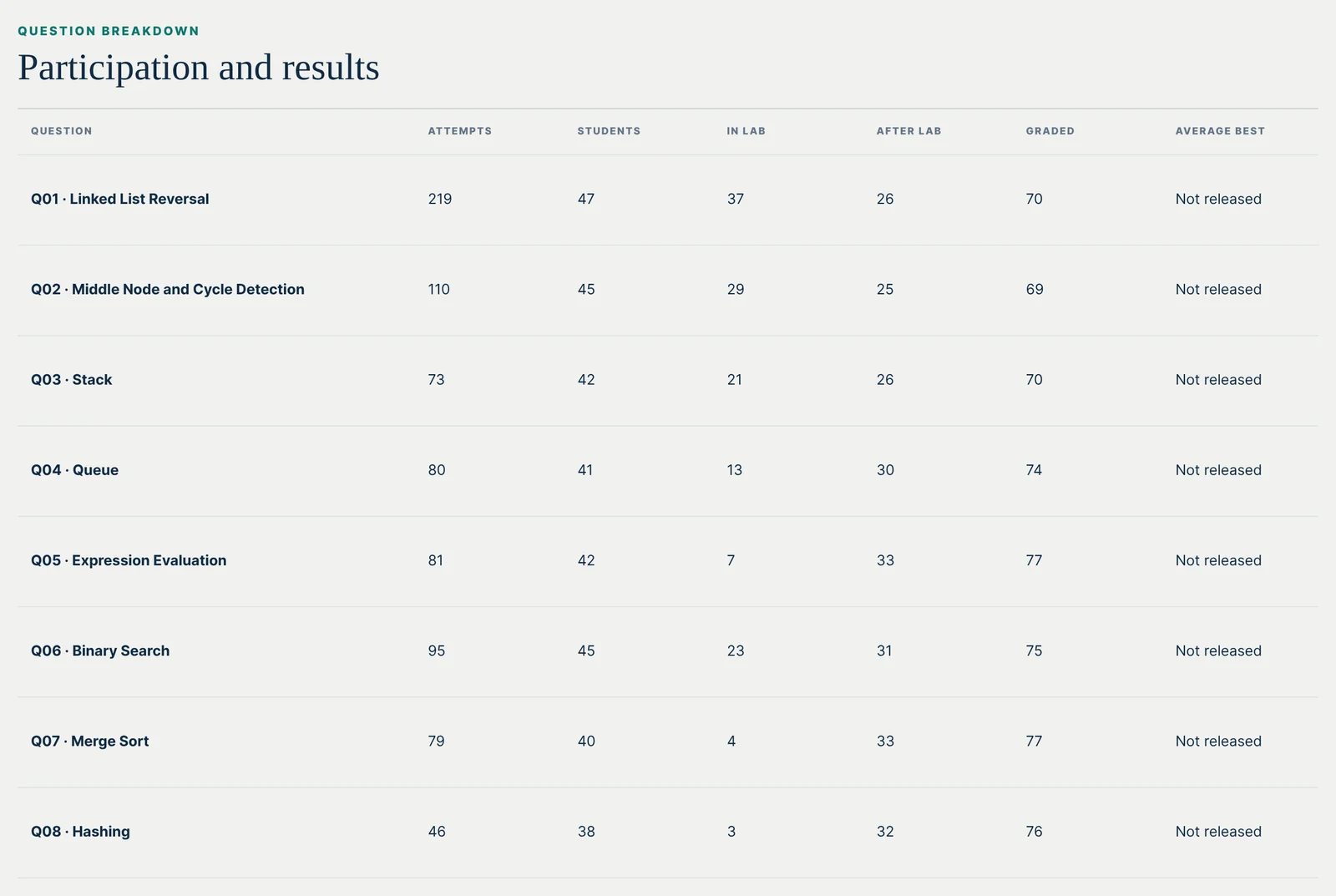
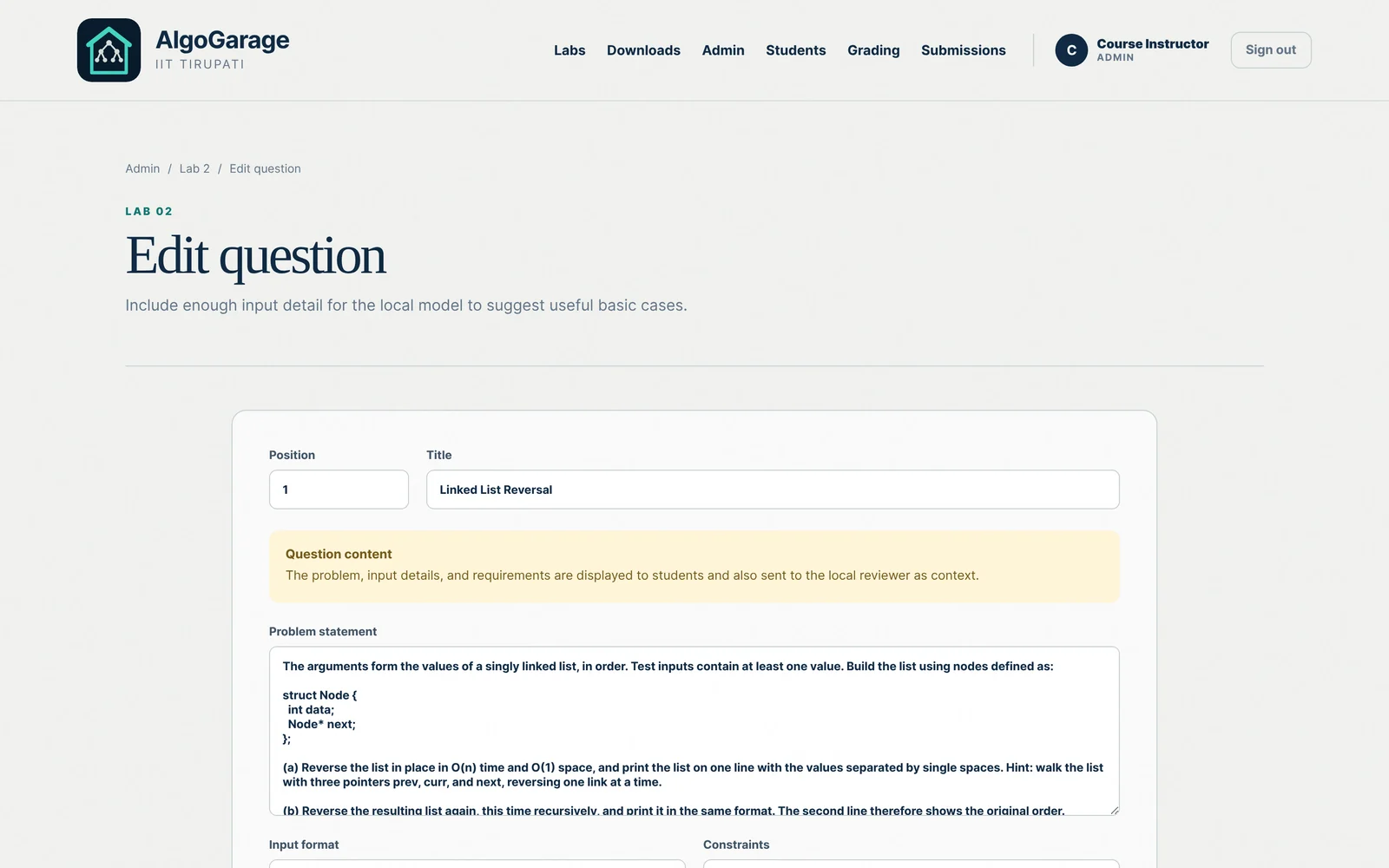
The instructor signs in to a separate console (a live dashboard). It shows how many students have uploaded for each question and the number of attempts on each. For each question it also lists the lines and functions the model has pointed to most often. The instructor can see which mistake the class is making and say something about it at the board. If one question is holding the class up, the instructor can raise its help level. The instructor can also correct the wording of a question while the lab runs, and can leave the model a private checklist for that question. A student who is still stuck after a review can ask for the instructor from the same page.

Submitting an attempt
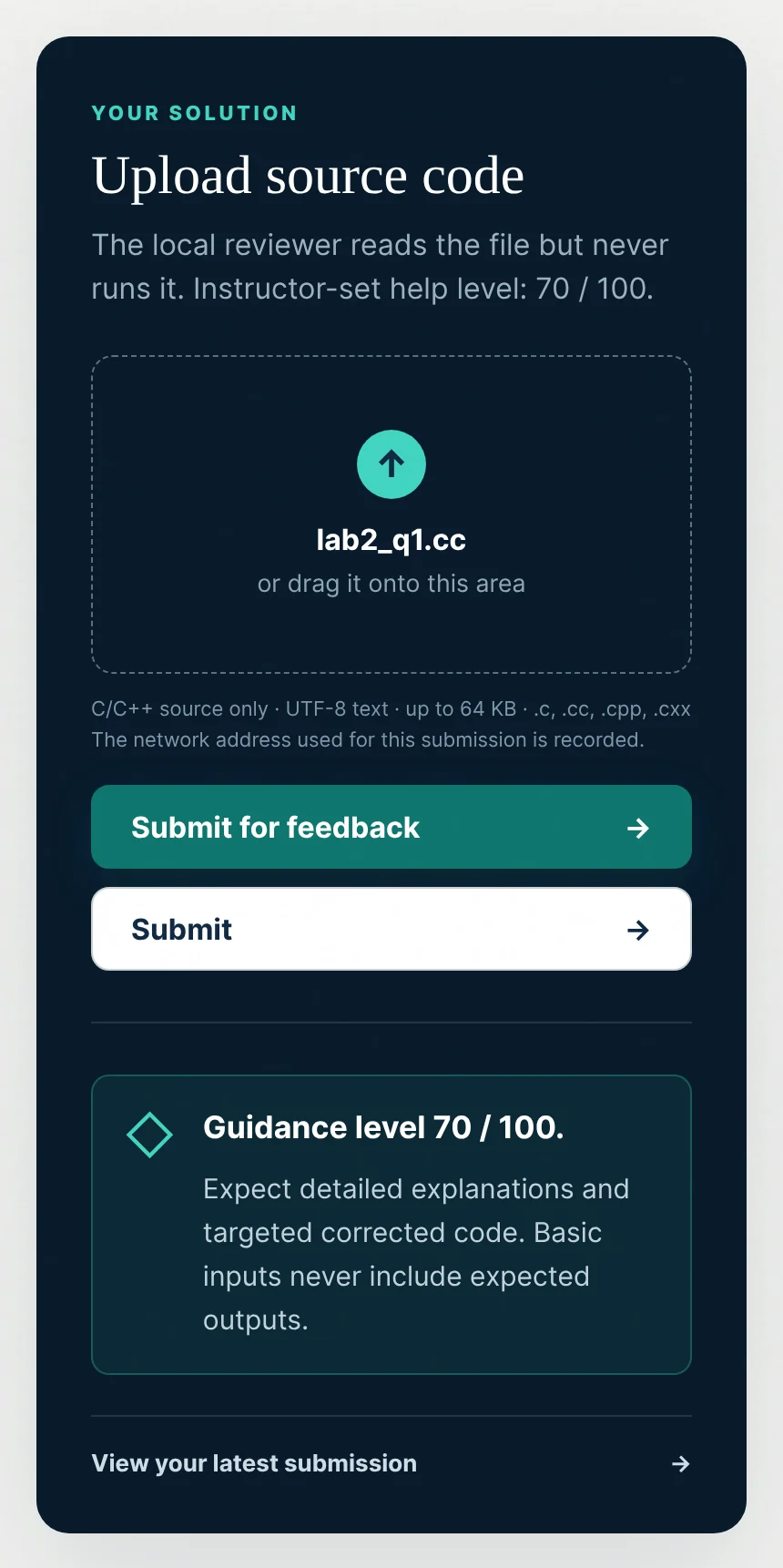
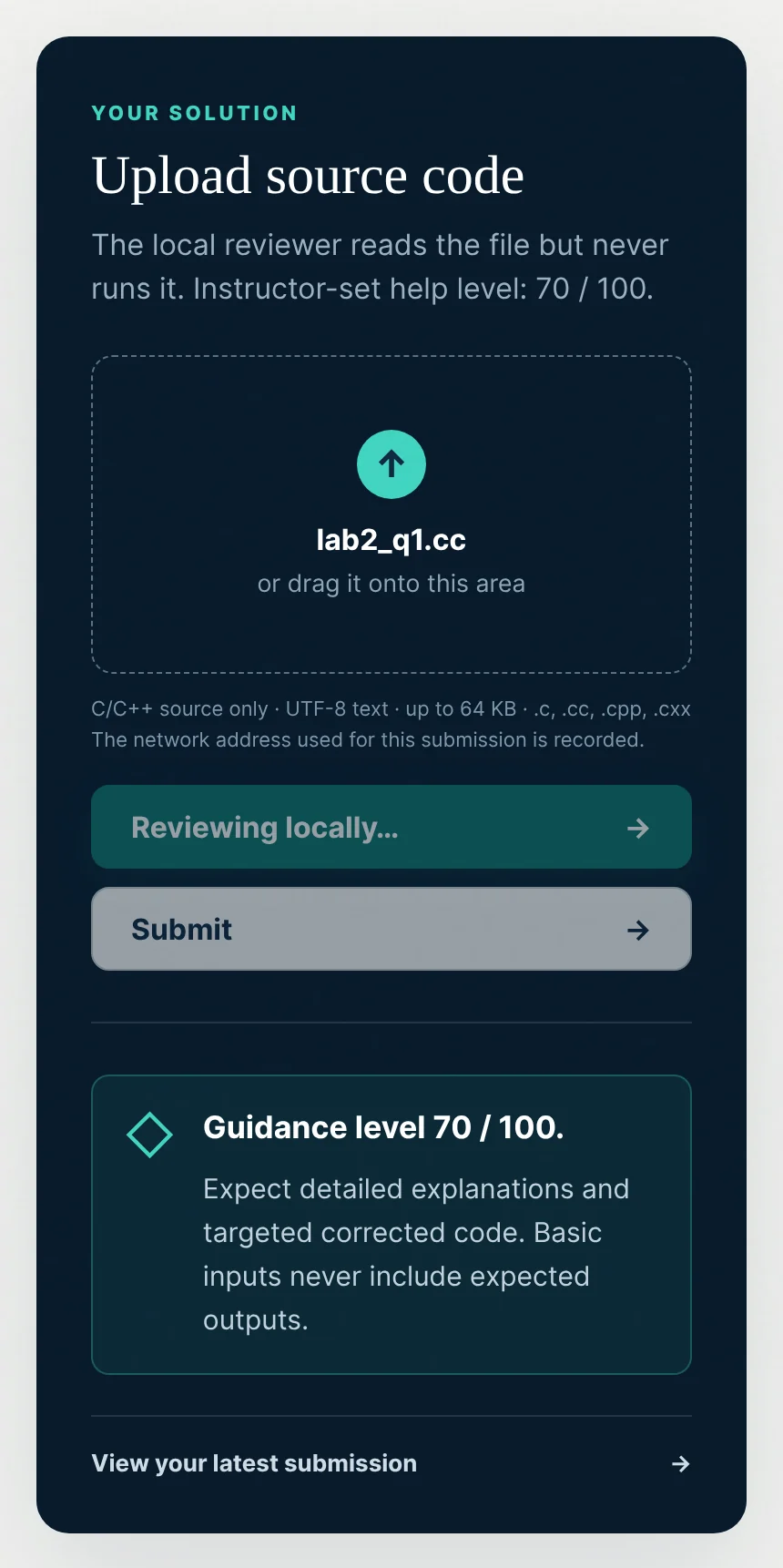
Two buttons sit under the upload panel. Submit for feedback saves the file and sends it to the model. Submit saves the file without contacting the model, for a student who wants to record an attempt and nothing more. Both count for finalization. The upload shown below was reviewed in 21 seconds.
The review
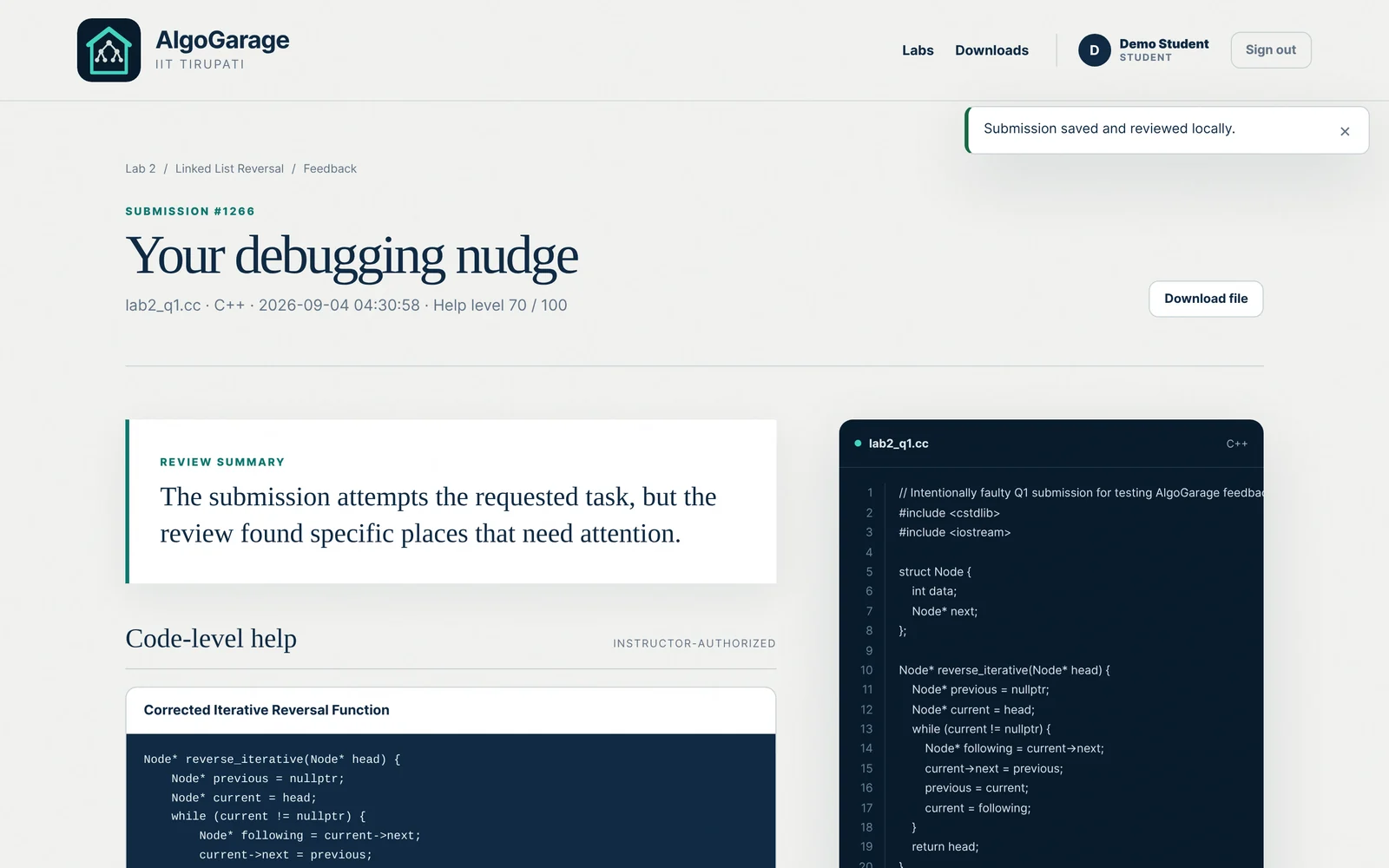
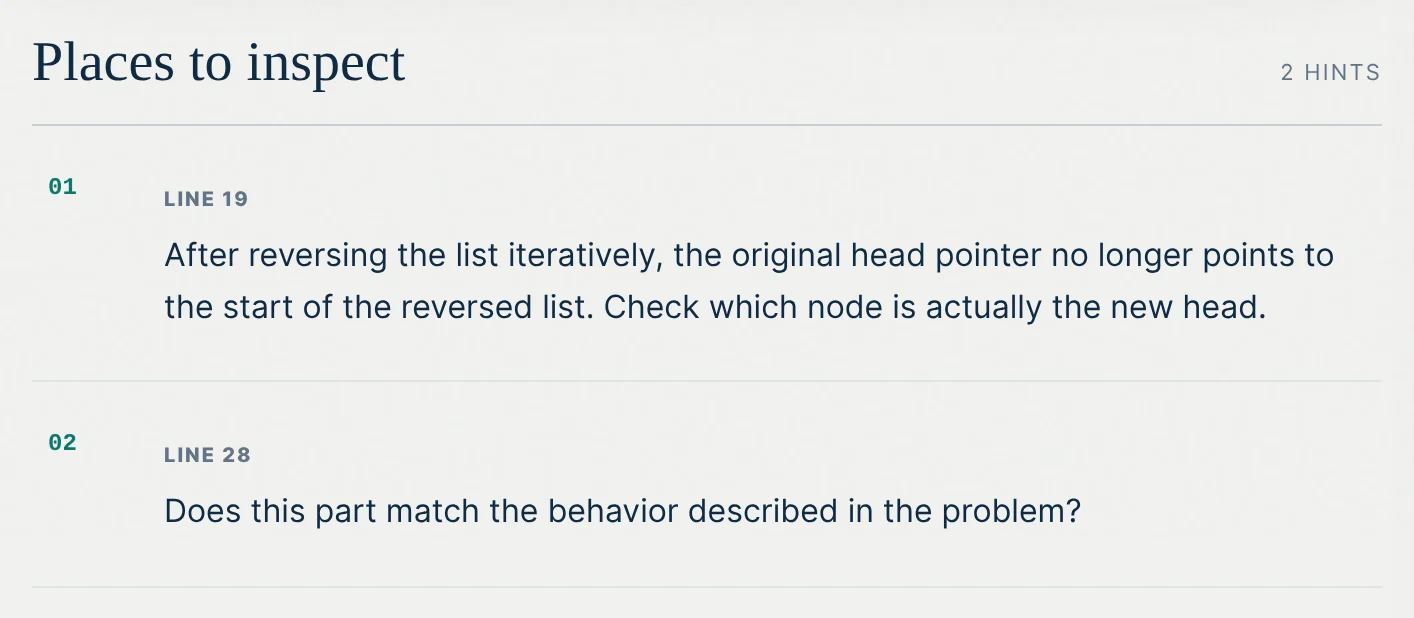
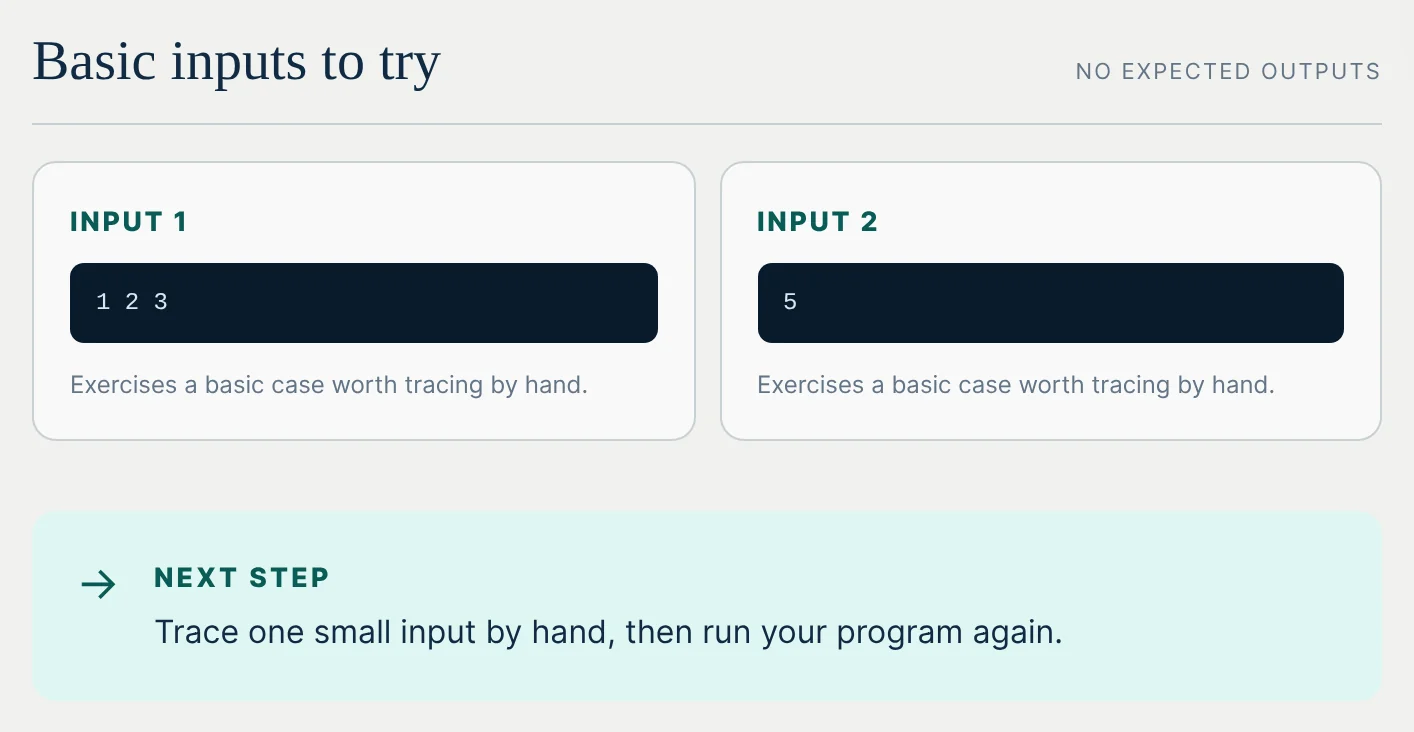
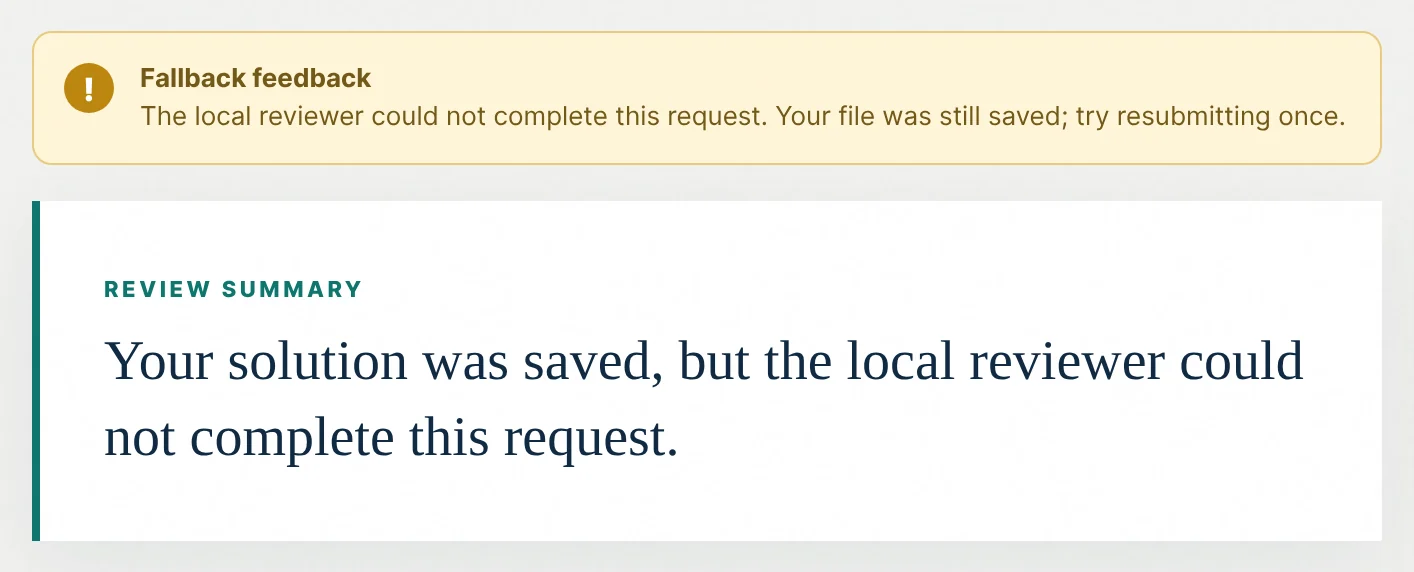
The file reverses a linked list but returns the old head. At level 70 the model may show code. It gave the corrected function, one line on why, and two inputs to trace, without saying what either should print.
How much help
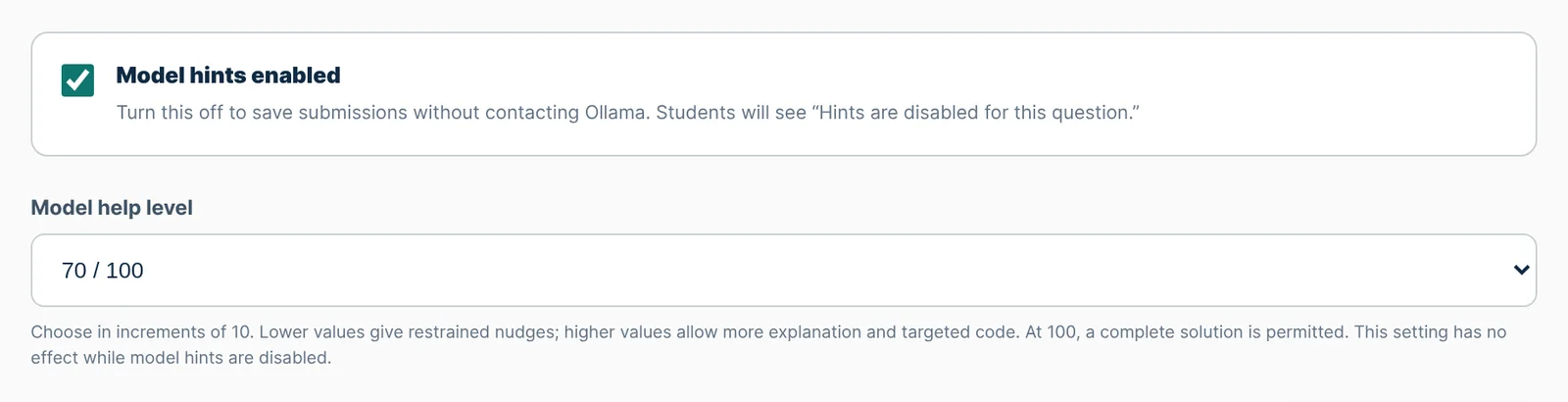
The level changes both what the model is asked for and what the server lets through. The rows below list what each level permits. Whatever the model returns is checked again on the server before the student sees it. Statements of expected output are removed, code is dropped when the level does not allow it, and a complete program passes only at 100.
| Level | Hints | Code | What the model is told |
|---|---|---|---|
| 0 and 10 | 1 | none | Give a minimal nudge. No fix, no algorithm, no code. |
| 20 | 2 | none | Give conceptual hints tied to a place in the file. No code. |
| 30 | 2 | 1 fragment, up to 8 lines | Name syntax mistakes and show one very small corrected fragment. |
| 40 and 50 | 3 | 1 fragment, up to 14 lines | Explain the language rule or the invariant at fault, with one targeted correction. |
| 60 and 70 | 4 | 2 fragments, up to 24 lines each | Diagnose syntax and logic, explain the reasoning, and correct up to two places or one function. |
| 80 and 90 | 5 | 2 fragments, up to 70 lines each | Give near complete functions and explicit steps, leaving one step to the student. |
| 100 | 6 | 1 program, up to 220 lines | Give one complete corrected program. |
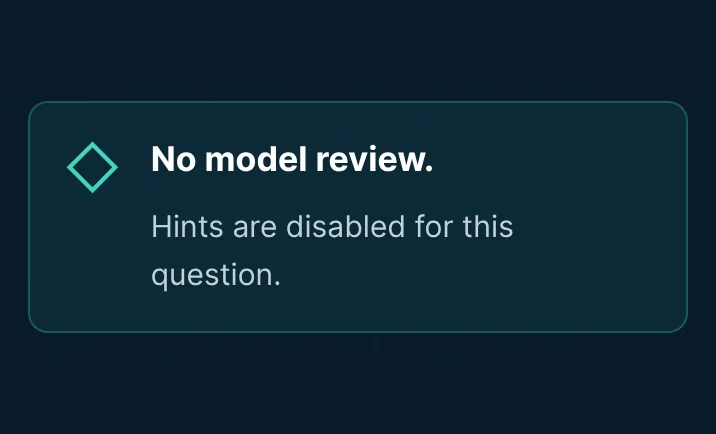
| Off | none | none | Save the file. The model is not contacted. |
Finalizing a lab
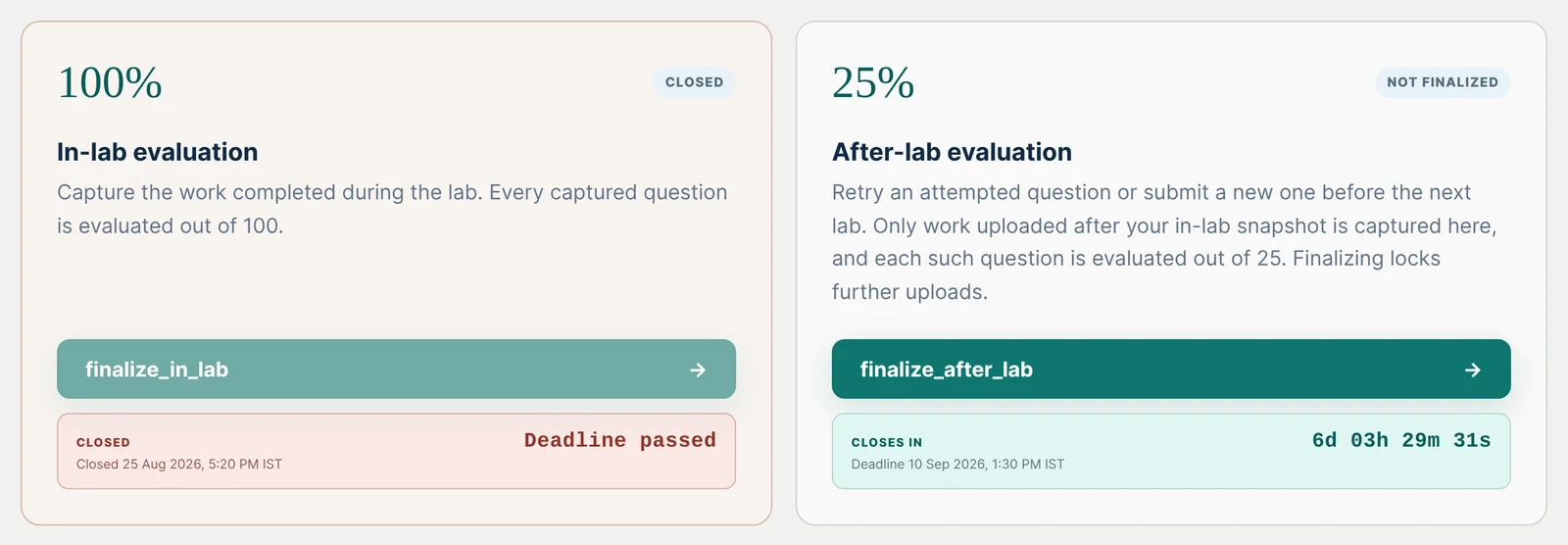
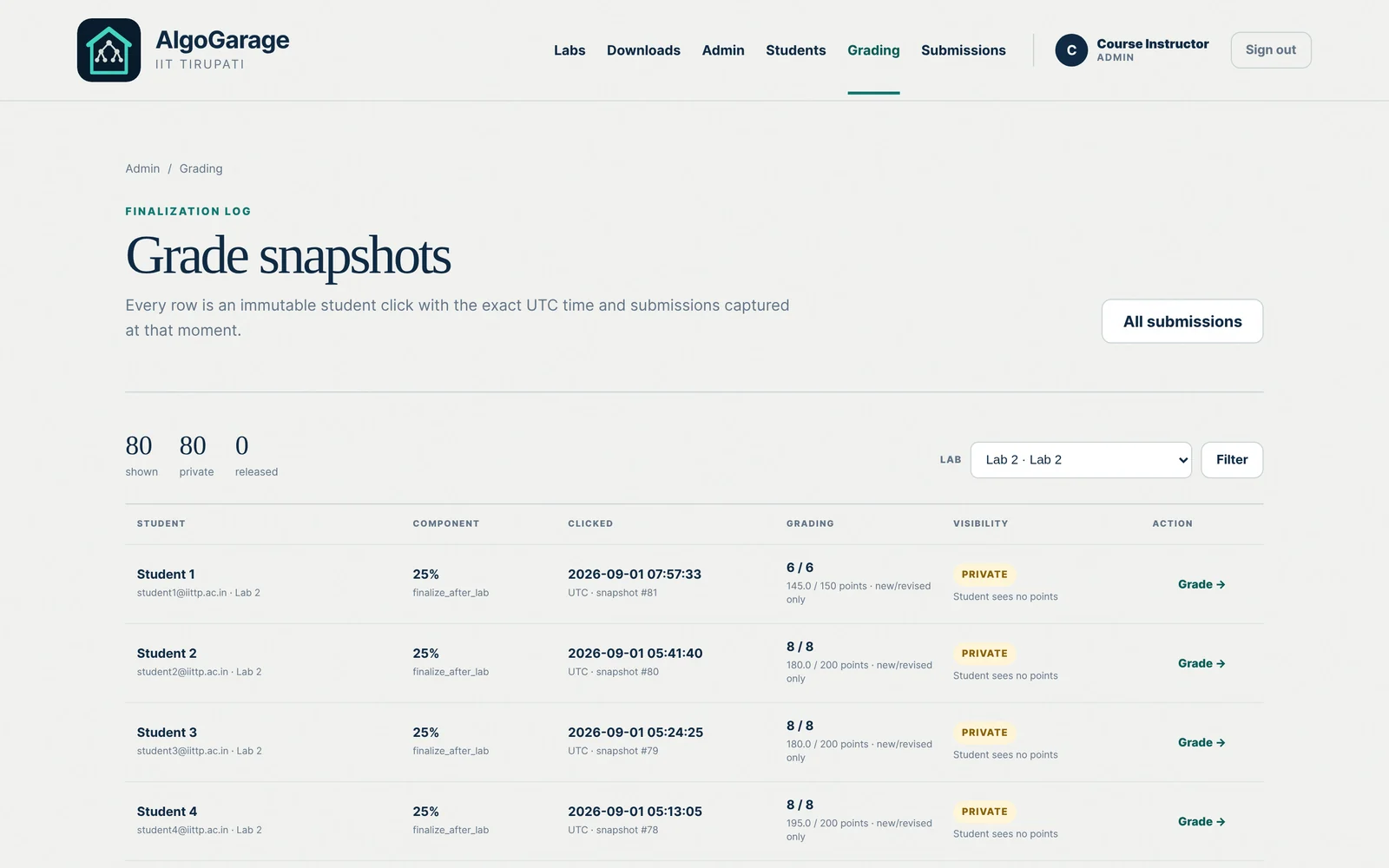
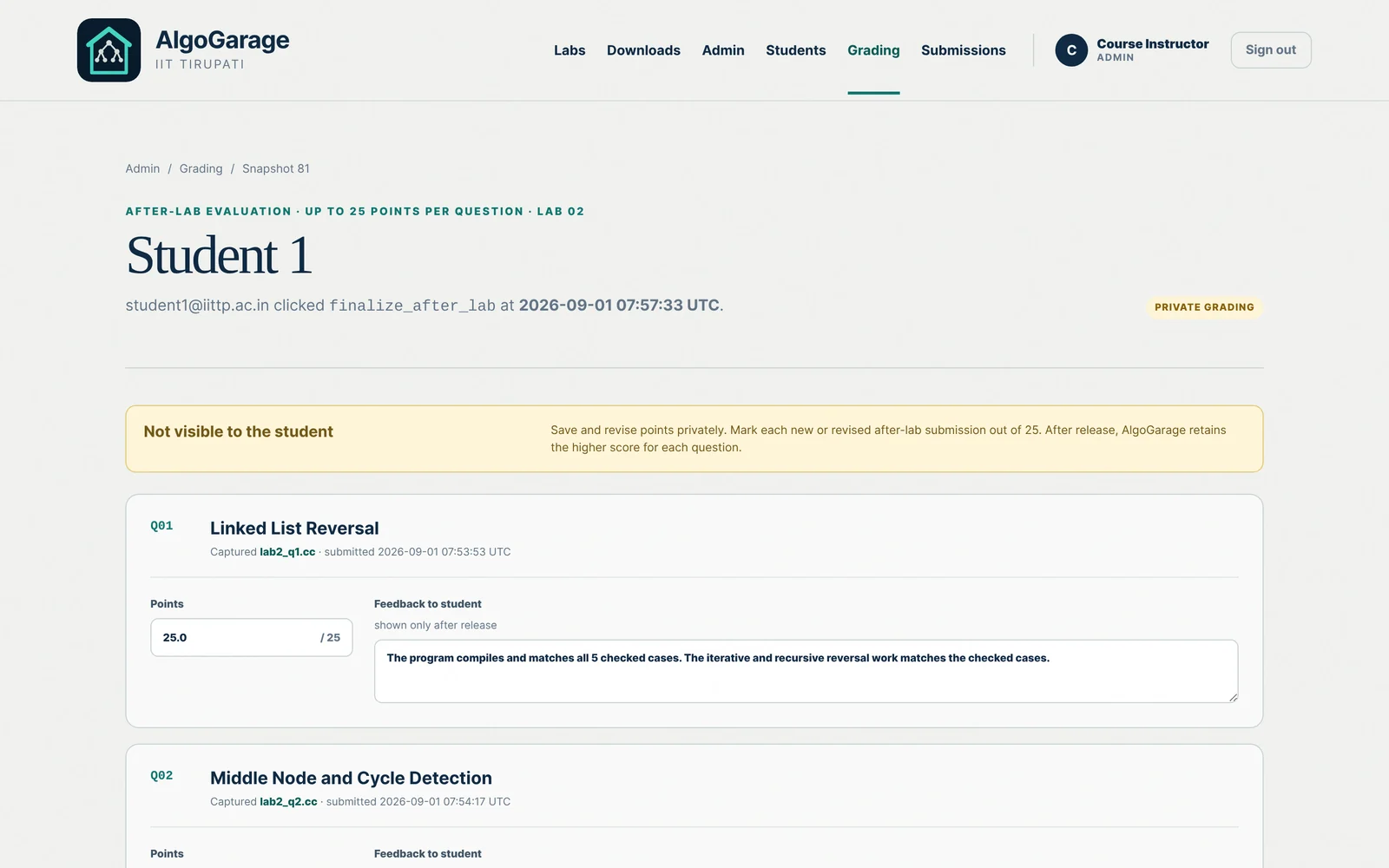
A lab has two finalization buttons, each with its own deadline. In-lab work is scored out of 100, after-lab work out of 25, and the higher score for each question is the one that counts.
The instructor’s console
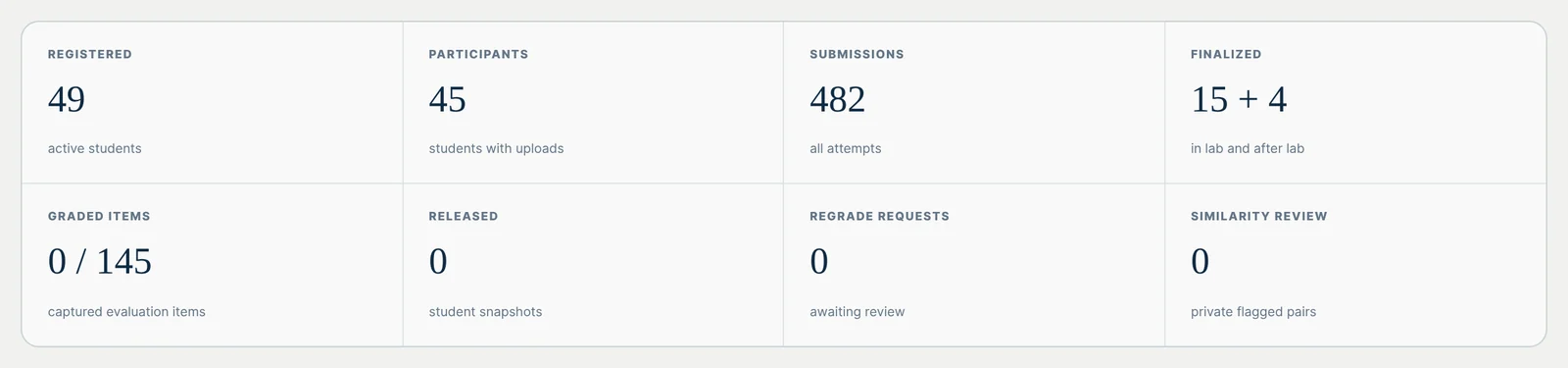
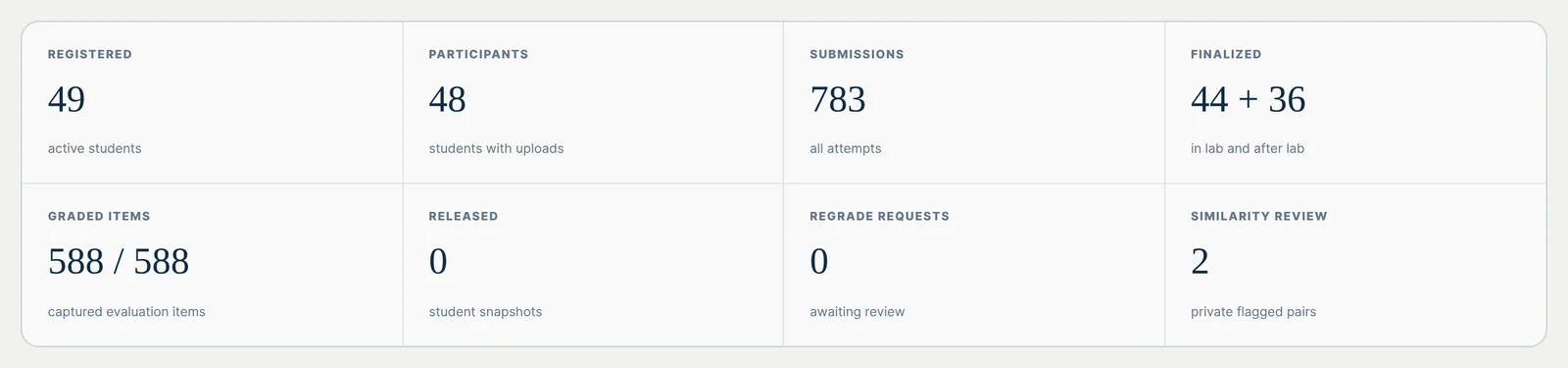
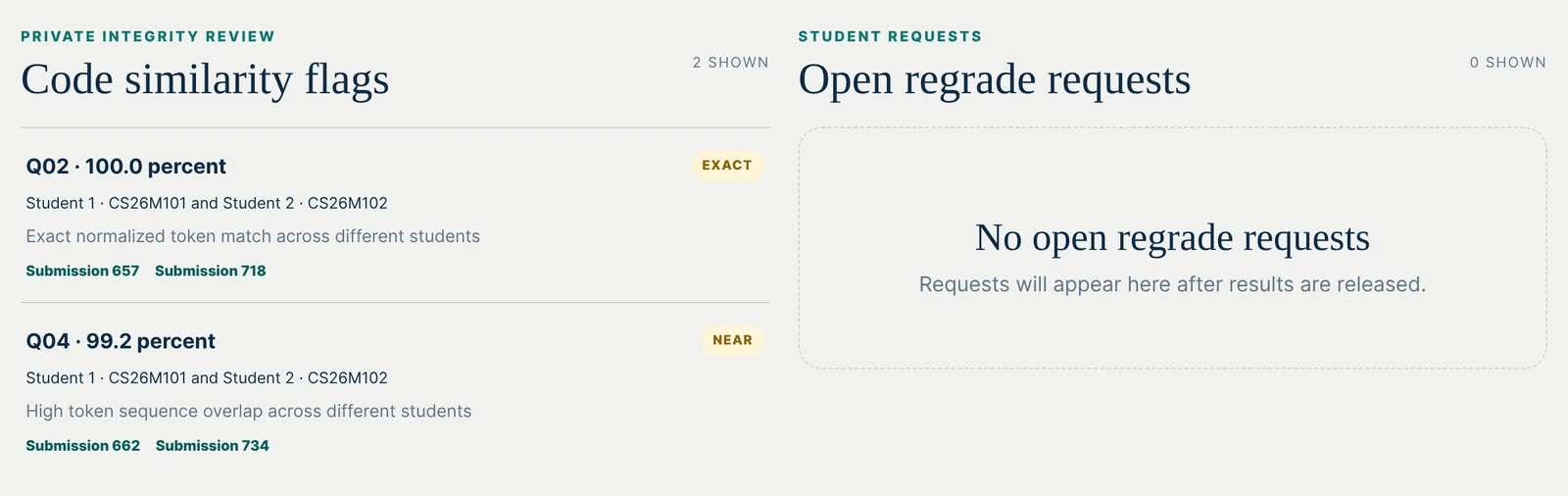
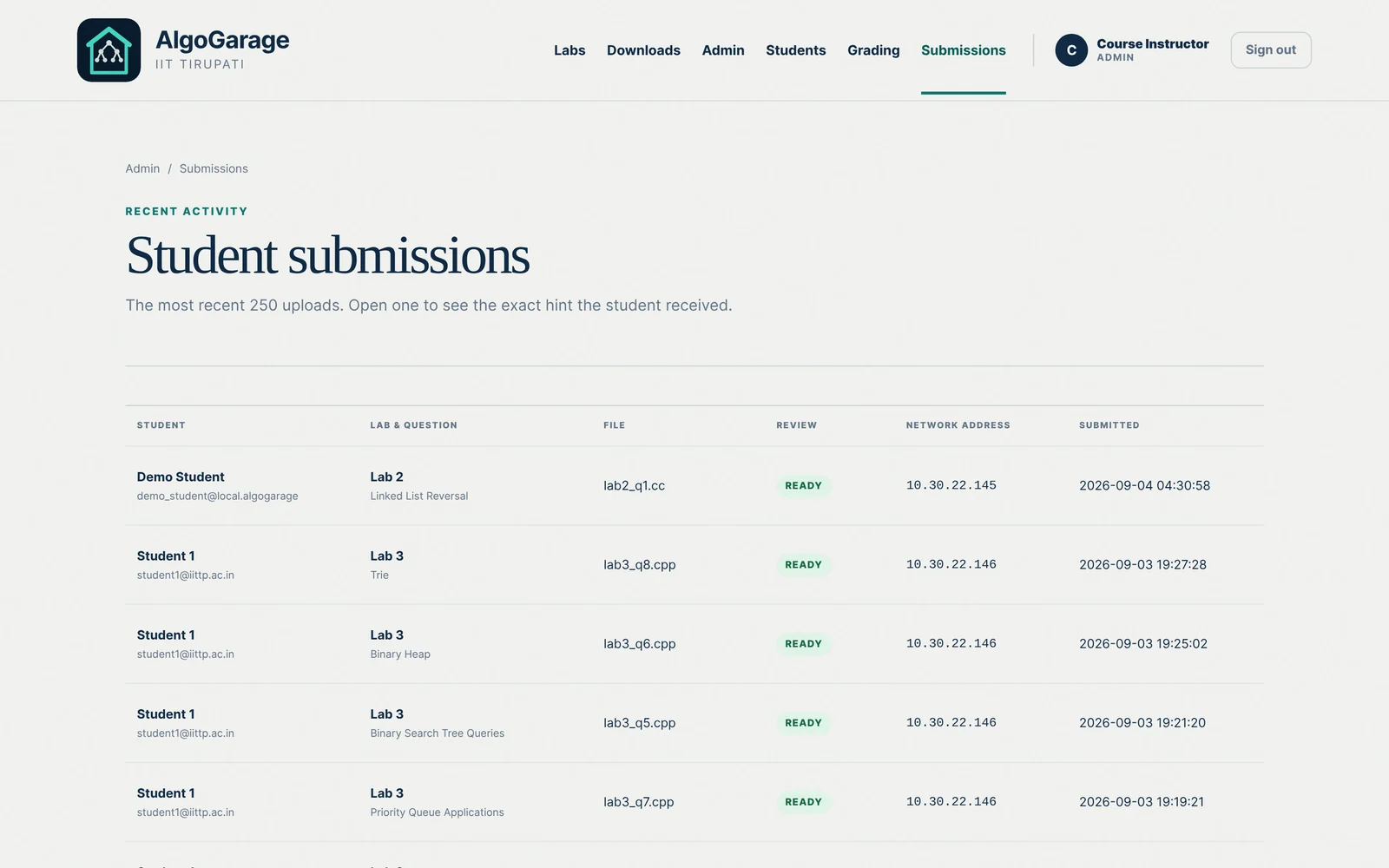
After the lab the console shows how many snapshots were finalized, how many items have been graded, and whether the results have been released. A table gives the same numbers for every question, with the average score once results are out. Any upload can be opened to see the file and the exact review the student saw. Grading is done on the same pages. Work finalized in the lab is scored out of 100, work finalized after it out of 25, and the higher score is kept for each question. Once scores are released a student can ask for a regrade, and the request appears in the console.
Behind the review
Before the file goes to the model, every comment in it is blanked out and the line numbers are kept, so a request written in a comment is never read as an instruction. The model is sent the question, the instructor’s private note, the help level, and the numbered file. It must reply in a fixed JSON shape with a summary, hints, inputs, code and a next step. The server then checks the reply against the level.
- UploadThe file is saved under a random name. Comments are blanked, line numbers kept.
- PromptProblem statement, input format, constraints, the private note, the help level, the numbered source.
- ModelQwen on the department GPU, reached only from the server. One retry if the JSON comes back broken.
- FilterOutputs removed, code cut to the level, unchanged fragments dropped, hints without a line replaced.
- PageSummary, hints, code, inputs, next step. The level used is stored with the file.